loading...

PRIME VOLT VEHICLES — THE COLLECTION

Find your category.

A considered guide to the vehicles and mobility formats in our live catalog. Browse every category, compare current listings and follow the route that fits your day.

16live categories
from the store catalog
Club Car®
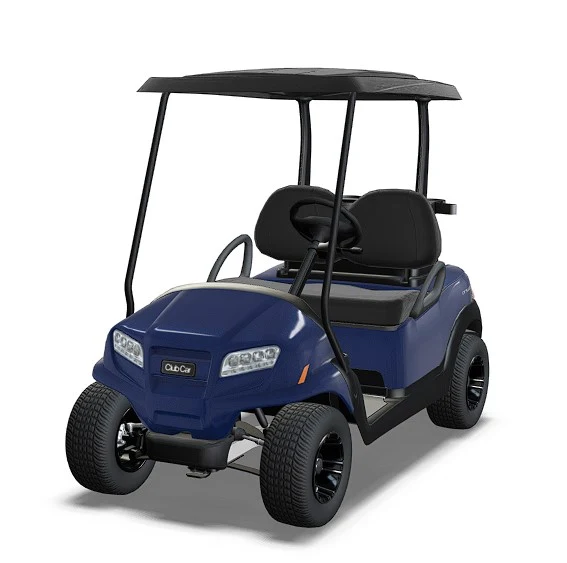
THE PRIME VOLT DIRECTORYClub Car®
01 / CATEGORIES
VEHICLESGOLF & UTILITYELECTRIC BIKESLIVE CATALOG

A CLEARER WAY TO EXPLORE

Every collection, gathered in one place.

Use the directory below to move from a broad vehicle type to the specific products currently listed in that category. The store catalog supplies the names, counts, descriptions, images and archive links, so this page stays connected as categories and product assignments change.

THE LIVE DIRECTORY

Browse the collections.

16 CATEGORIES

Showing all 16 categories

Names, product counts, descriptions, images and category links come from the current WooCommerce catalog. Categories are shown even before products are assigned.

A PRACTICAL BUYER'S GUIDE

Choose with a clear view of the details.

Thoughtful comparison begins with the route, the riders and the work—not with a single photograph or a badge.

01How to use this category directory

This directory is designed to make a broad vehicle catalogue easier to explore. Each tile links directly to a live WooCommerce product category, shows the current product count and uses a category image or a photograph from a current listing. Category names, counts and destinations are read from the site catalog whenever the page loads. If a new product category is created, it can appear here without rebuilding the page. When products are assigned or removed, the count and representative listing can change with the catalog.

Start with the type of journey or task that matters to you. The catalog includes electric vehicles, golf and utility formats, brand collections, and electric bikes. Some categories are nested under a broader collection. A child category is shown alongside its parent so that a specific group is just as easy to discover as the main collection. Use the search field to narrow the visible tiles by a word in the category title or description. Selecting a tile opens its own archive, where you can compare the products currently assigned to that group.

A category is an organising label, not a complete product specification. Two products grouped together may still differ in seating, body layout, equipment, dimensions, charger or intended use. The category tile gives a concise orientation and the archive points to the actual products. Open an individual product listing when you need detailed photographs, current pricing, availability or model-specific information.

Some categories have their own editorial description in the catalog. Where one exists, this page uses it as the primary explanation. Where a category has no description, the page gives a short, factual pointer to its live listings rather than inventing specifications. If a category is currently empty, it remains visible and explains that products have not yet been assigned. This keeps the directory complete while making the current state clear.

02Choosing among vehicle types

The most useful first question is what the vehicle needs to do on an ordinary day. A compact personal trip, a shared ride between nearby destinations, a round of golf, a guest shuttle and a work route across a property are distinct tasks. They can call for different seat layouts, storage, body shapes and equipment. Begin by writing down the route, the number of people or type of cargo, the frequency of use and the place where the vehicle will be kept.

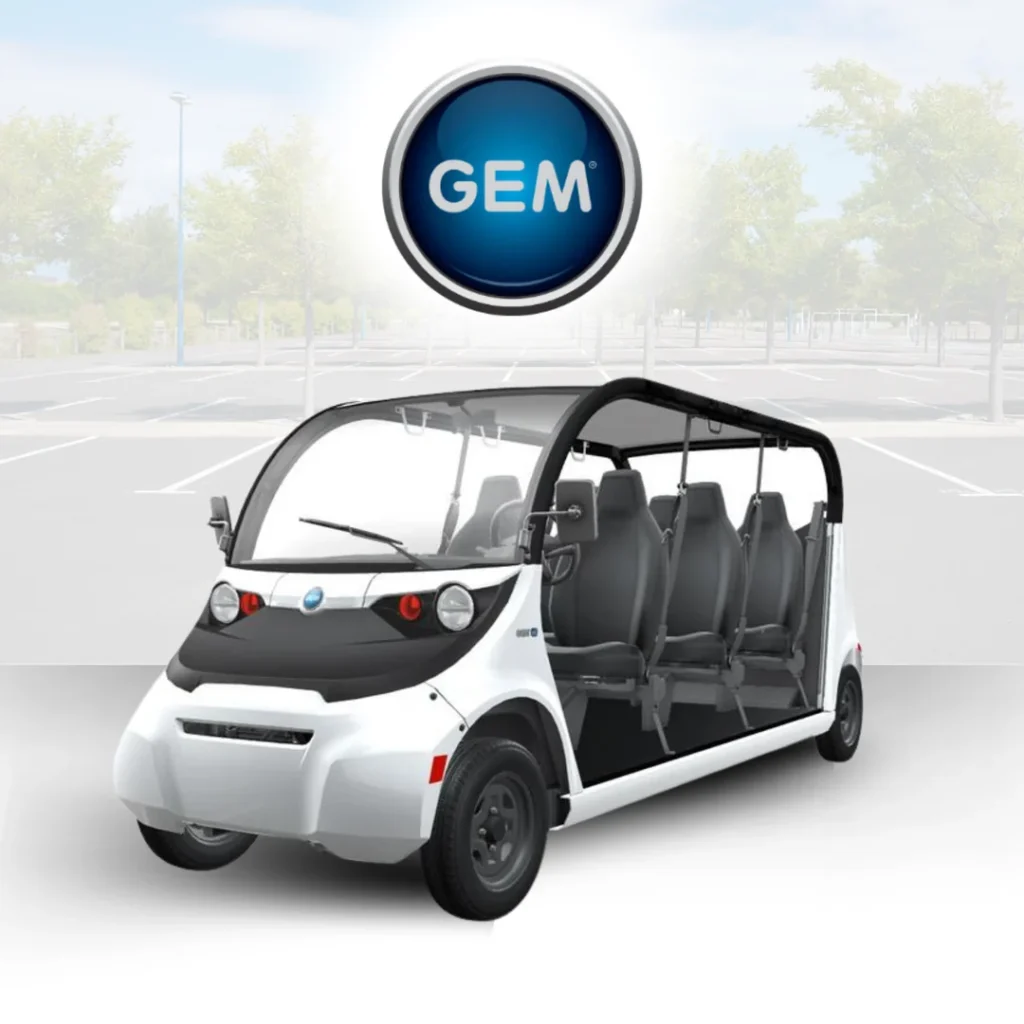
Use the product categories as a map of the available formats. Golf car collections are a useful starting point when the journey is short and the vehicle needs a compact passenger layout. Utility categories are relevant when work materials or frequent site movement are part of the brief. GEM Electric Cars are presented as their own current category, while eBikes and Foldable Electric make it easier to compare compact rider-focused options. Category labels help narrow the field; the detailed product page should confirm whether a particular model fits.

Do not select only from an attractive image or a familiar name. A photograph can show seating arrangement, an open or enclosed shape and the general proportions, but it cannot confirm capacity ratings, road eligibility, charging requirements or included options. Those details vary between models and sometimes between configurations of the same model. Check the product description and ask the team when a point is unclear.

A short comparison list often prevents confusion. For each candidate, record the product name, number of passengers or cargo needs, the route it must handle, its storage footprint and the information you still need to verify. Compare similar uses first. If two products serve different tasks, mark that distinction rather than treating one as an exact substitute for the other. This makes a later enquiry more specific and helps the team answer the questions that matter to your decision.

03Brand collections and model families

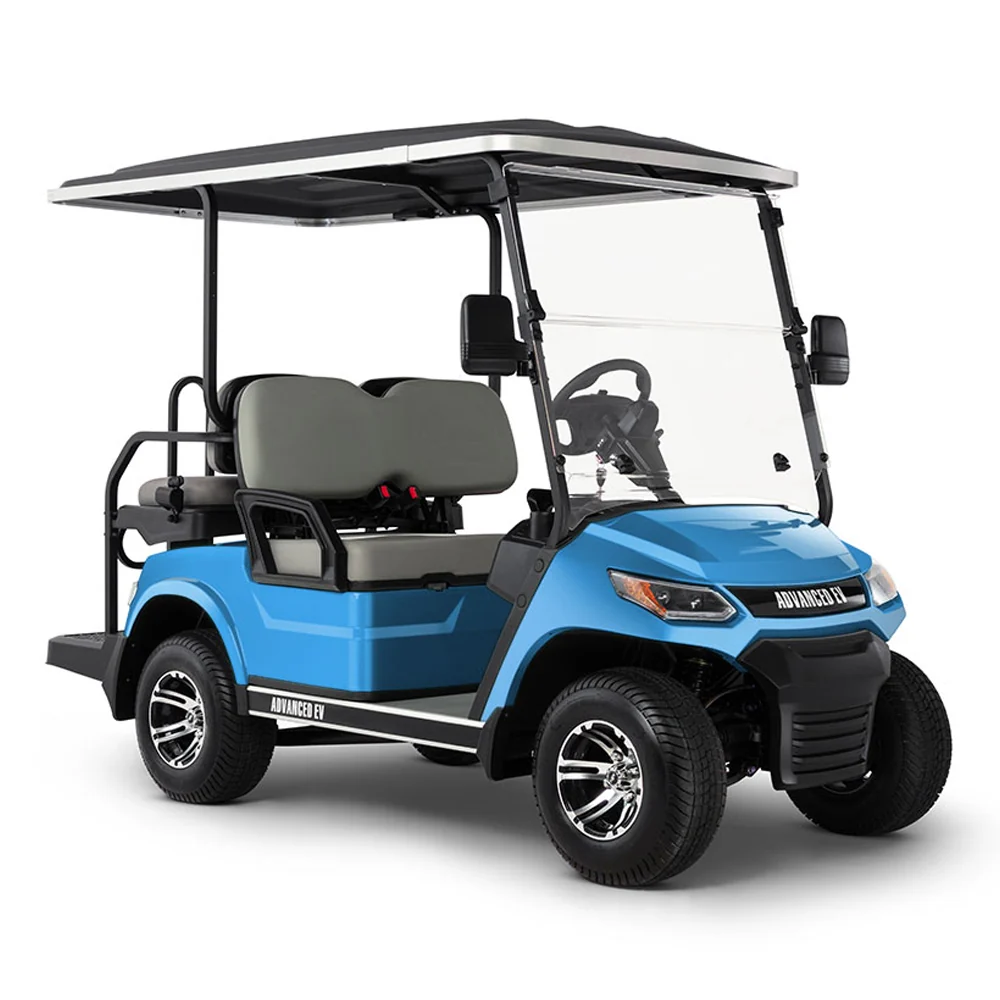
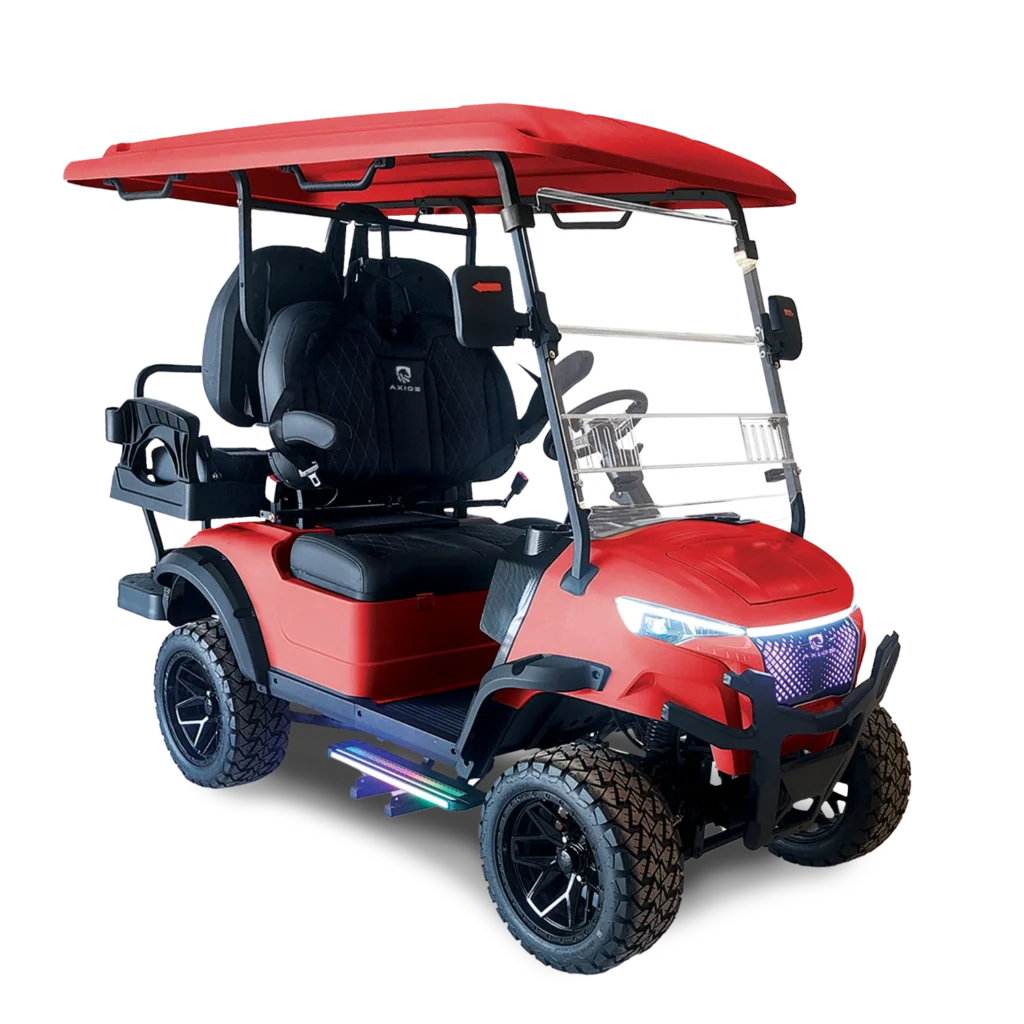
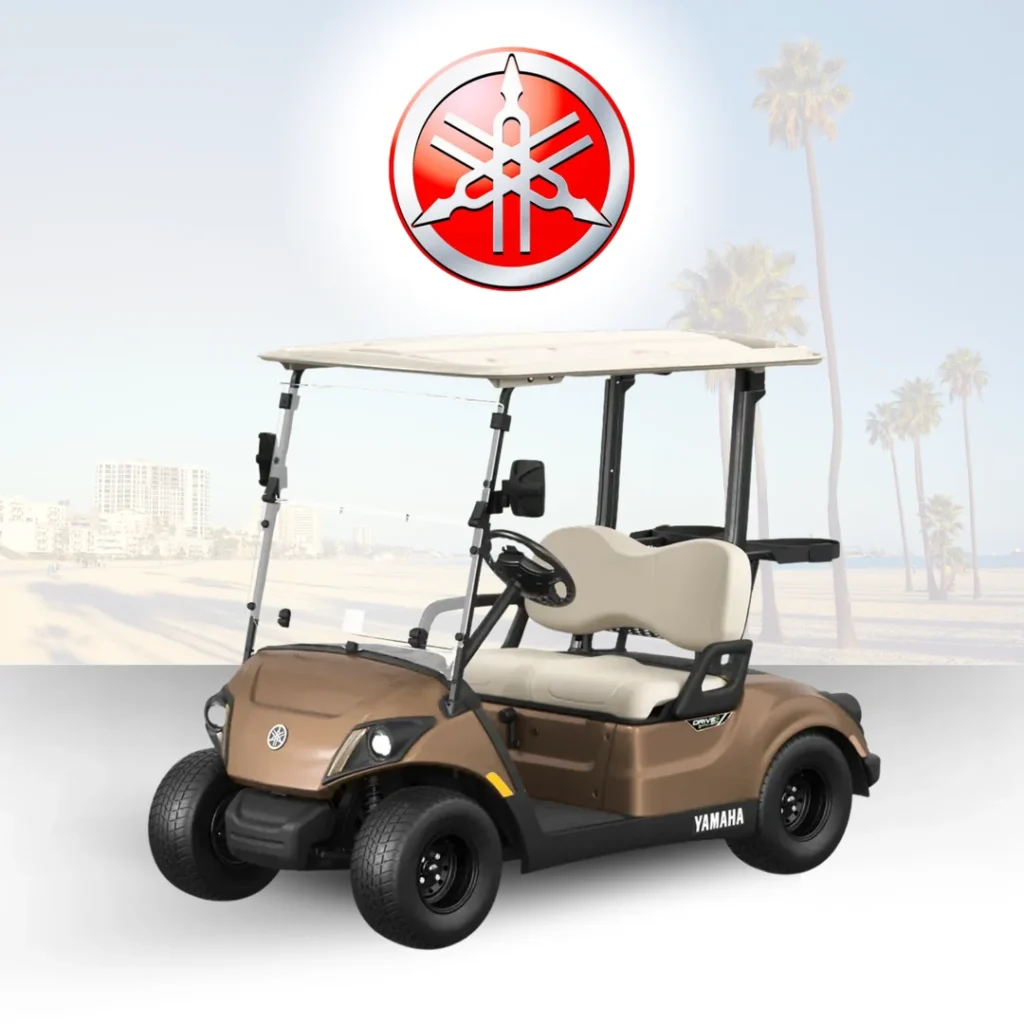
Brand categories make a large catalog easier to browse when you already have a manufacturer or vehicle family in mind. The current catalog includes collections such as Yamaha, Club Car, GEM, Evolution Golf Cars, Advanced-EV and Axios, as well as narrower product groups. The directory reads those names from WooCommerce, so new category names can be included as the catalog changes. Brand and model labels are useful for organising options, but a name alone does not establish which configuration is right for a particular route.

When reviewing a brand collection, compare complete model listings rather than relying on assumptions about the entire family. Look at seat positions, body style, included equipment and product photographs. A two-person vehicle, a rear-seat configuration and an enclosed passenger format have different layouts even when a shopper groups them under a familiar type. Ask which options are included in the displayed product and which are additional selections. If the archive includes products with different years or configurations, use the exact listing as the reference point for questions.

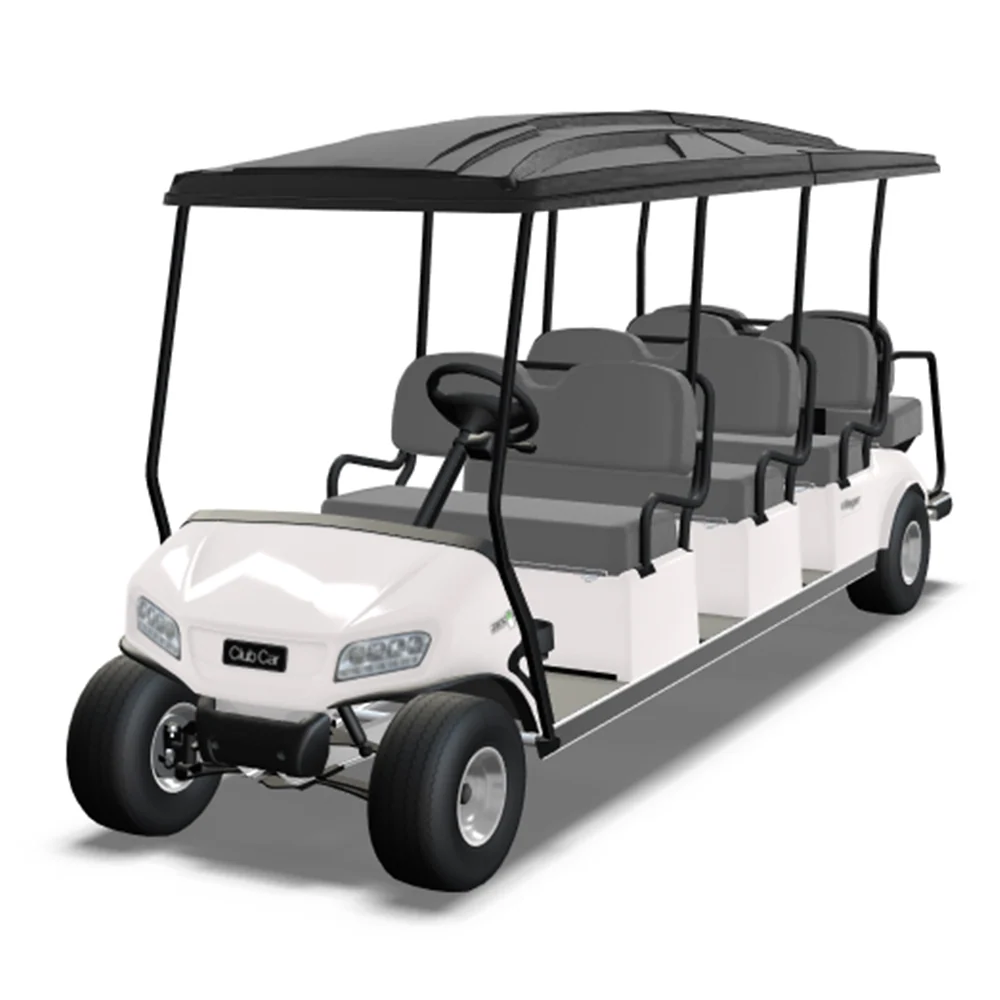
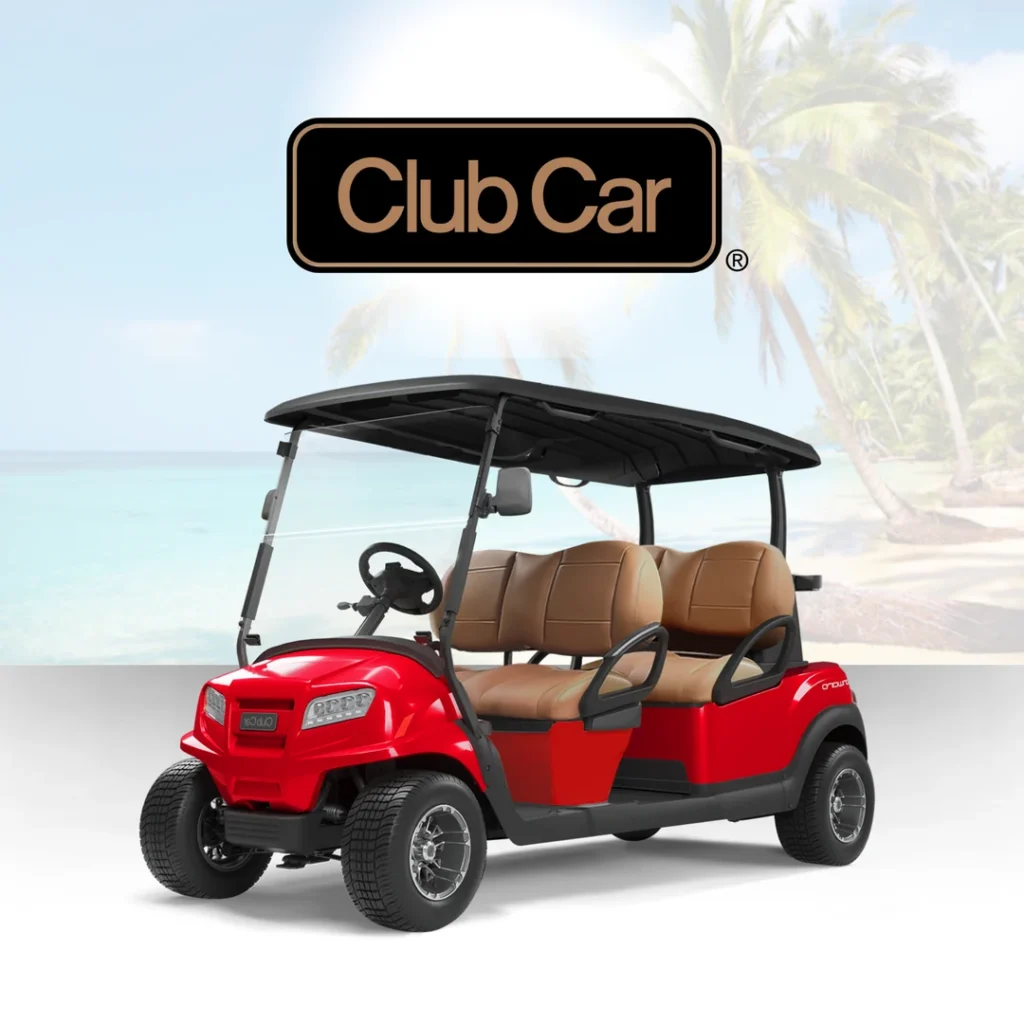
The Club Car categories include a parent collection and narrower child groups, including commercial utility and Onward-related categories. Yamaha and other named collections are also visible as separate paths in the store. A nested category is not a separate website; it is a more precise way to reach related products. Browse from the broader collection when you are comparing a family, then use the child archive to focus on a specific segment.

Brand familiarity can be a helpful starting point, particularly when you already know the service or equipment context you need. It should be followed by a model-level check. Record the exact product title and URL, then confirm specifications, availability and compatibility directly with the listing or the team. That process respects the differences between individual vehicles and avoids treating a brand description as a promise about every item in the range.

04Golf cars and short, shared journeys

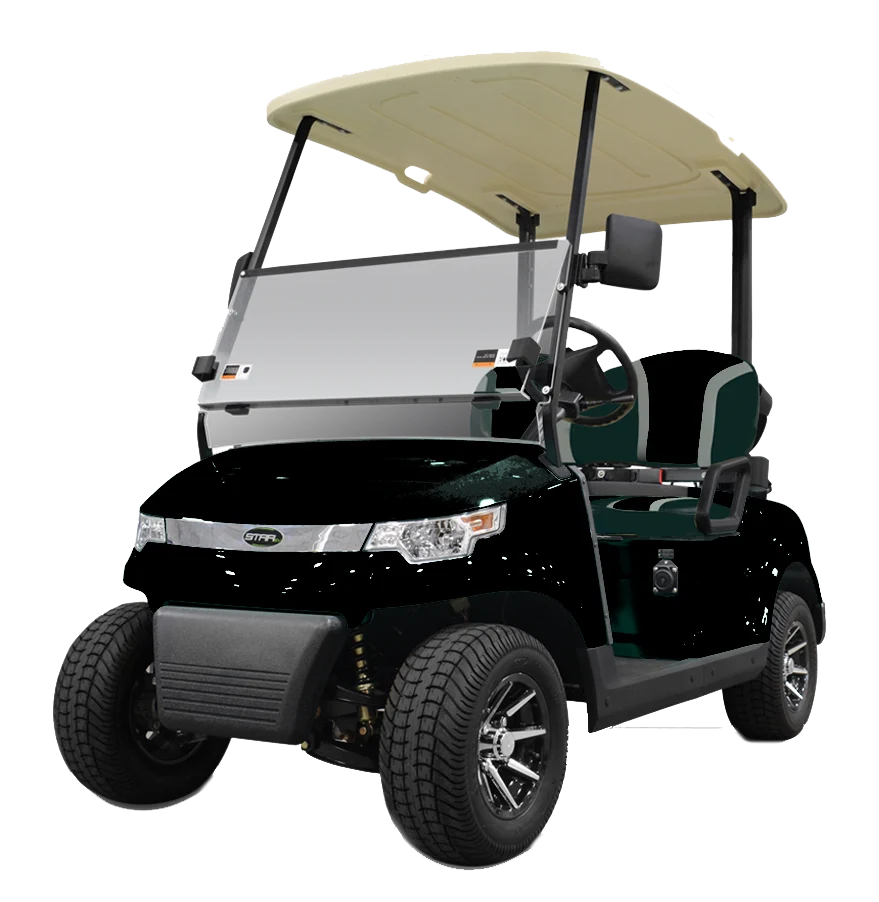
Golf cars are commonly considered for compact passenger movement on courses and other suitable private routes. The actual experience depends on the model layout, the riders, the surface and the conditions in which the vehicle will operate. If your use involves more than one regular route, describe each route separately. Smooth pavement, uneven ground, slopes, tight turns and narrow access points can affect which configuration is suitable. Ask the seller to confirm the equipment intended for the surfaces and environment you have in mind.

Seat count should be checked on the exact product listing. Consider how many people usually travel together, whether rear-facing seating is involved and whether there is a place for bags or golf equipment. A vehicle that appears similar to another can have a different arrangement. If children, older passengers or people who need more time to enter and exit will ride regularly, look carefully at the entry points, grab handles and seat positions. Product photographs can help you form initial questions, but they cannot confirm an accessibility or safety assessment.

Weather exposure and storage are worth considering early. An open layout may suit one operating environment, while a canopy, windscreen or enclosed cabin may be a better subject for discussion in another. Any accessory can affect dimensions, weight, visibility or access, so verify compatibility against the exact model. Measure the parking location and route to it, including gate width, low ceilings and turning space. Do not assume that a similar vehicle has the same measurements.

A golf car should be operated within the maker's guidance, property rules and local requirements. A familiar appearance does not mean every model is permitted on every public road or every site. If street use is part of the plan, confirm legal eligibility and required equipment for the exact model and location before purchase. The product category is an invitation to compare layouts; the individual listing and a direct conversation should determine whether a candidate matches the intended journey.

05Utility vehicles for work and property movement

Utility-oriented categories can help operators find vehicles for repeated movement around a property, campus or business site. To choose thoughtfully, define the work before comparing models. List the people or materials that travel, the number of trips in a normal shift, the surfaces on the route and any area where turning or loading space is restricted. A clear description makes it easier to discuss a suitable configuration without guessing from the word “utility.”

Cargo should be considered as both volume and weight. Sketch the tools, supplies or equipment that will travel and identify whether they need to be secured, covered or separated. Ask for the rated capacity and applicable operating limits for the exact product. The size of a cargo area in a photograph does not establish payload. Passengers, accessories and cargo can all contribute to the load, so confirm how the manufacturer's limits apply to the intended arrangement.

Consider the operating routine as part of the selection. Decide who will use the vehicle, where keys will be stored, where it will be parked and who will report a concern. A shared vehicle benefits from a short handover habit: note visible damage, unusual behaviour or a charging issue before the next user takes over. Charging locations should be planned according to the product instructions and the site's electrical setup, with cables routed so they do not block pedestrian movement.

For several vehicles, compare whether standardising on one model or a small set of configurations would help with operator orientation, storage, accessories and support. Different departments may need distinct arrangements, so uniformity is not always the best answer. Write down the regular tasks for each group before deciding. The relevant product category provides the live set of options, and each listing gives a more concrete basis for questions about dimensions, equipment and availability.

06Electric bikes and foldable formats

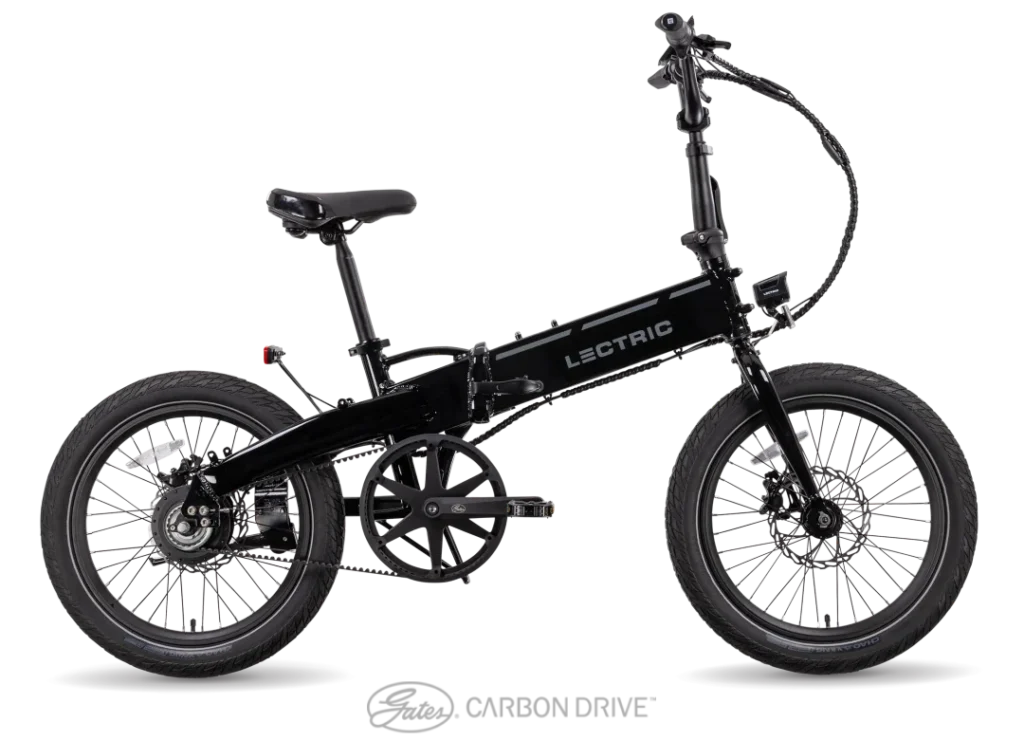
The eBike and Foldable Electric categories serve a different kind of journey from passenger carts and utility vehicles. They are designed around an individual rider and the details of where the bike will travel and be stored. Before comparing products, consider trip length, route surfaces, hills, traffic conditions, parking arrangements and the places where the bicycle may need to be carried or folded. These details are as important as the style shown in a product photograph.

A foldable format can be useful when compact storage is a priority, but check the exact folded dimensions and weight rather than assuming it will fit in a particular car, cupboard or workplace. Consider how frequently it will be folded, where it will be placed during a trip and whether the rider can manage the handling routine comfortably. For any model, review the manufacturer's stated battery, charging and safety information and identify which accessories are included in the listing.

Local rules may distinguish between different electric bicycle classifications and use environments. Confirm what applies to the exact model and the area where it will be ridden. Follow the product's manual for charging and storage. If the intended route includes public streets, shared paths or a workplace site, ask the appropriate authority or property manager about applicable rules and restrictions. Product photos and category descriptions cannot replace that local confirmation.

Compare products on the same basis. Record the exact model name, dimensions, weight, stated specifications, equipment and any open question. If a listing does not answer an important point, ask before ordering. The live category archive provides the current selection and product links; an enquiry can clarify fit, compatibility and availability. Treat a bike as a distinct mobility option rather than a smaller substitute for a passenger vehicle, and select it only when its rider, route and storage needs match the trip you are planning.

07Passenger space, access and storage

Seating is one of the most visible differences between vehicles, but it should be evaluated together with access and storage. Count the people who usually ride together, and then consider how often the vehicle needs an extra seat. Look at whether seats face forward or rearward, where passengers place their feet and whether bags or other equipment occupy the remaining space. Confirm the exact product configuration, because a family name or category may include more than one arrangement.

Entry and exit matter every time the vehicle is used. Consider the height of the step, the position of handholds, the openness of the sides and the ease of reaching the seat. If a regular passenger has a mobility concern, do not rely on a photograph to assess fit. Discuss the use case with the seller and seek an appropriate professional opinion where needed. A practical review at the intended site can reveal details that a product listing cannot.

Storage is not limited to the vehicle's parking place. Measure narrow gates, doors, pathways and turning areas along the full route. Check low branches or ceilings if a canopy or roof is included. Note where luggage, golf equipment, work tools or personal items need to be carried and ask whether the configuration provides a suitable secure place. If accessories are being considered, verify how they change dimensions, access and available passenger or cargo room.

These checks help keep comparisons grounded in everyday use. A vehicle with more seats may serve a group journey well but occupy a larger footprint; a compact configuration may be easier to store but not suit a frequent group trip. Neither is automatically better. Match the layout to the route and the riders, then confirm dimensions and limits from the listing or the manufacturer. This produces a more useful shortlist than beginning with a maximum capacity figure alone.

08Product photos, category descriptions and live details

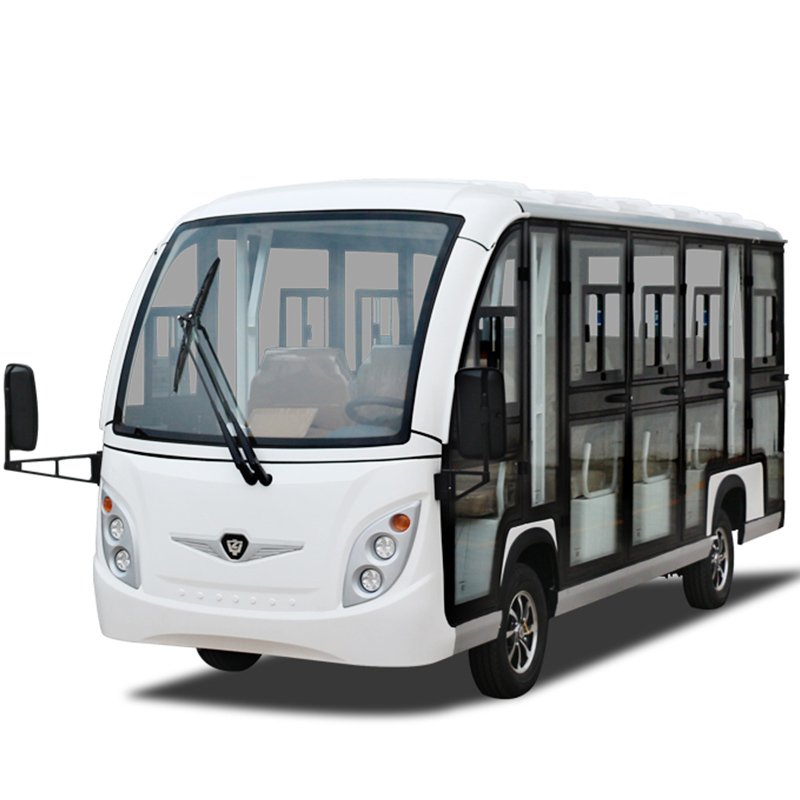
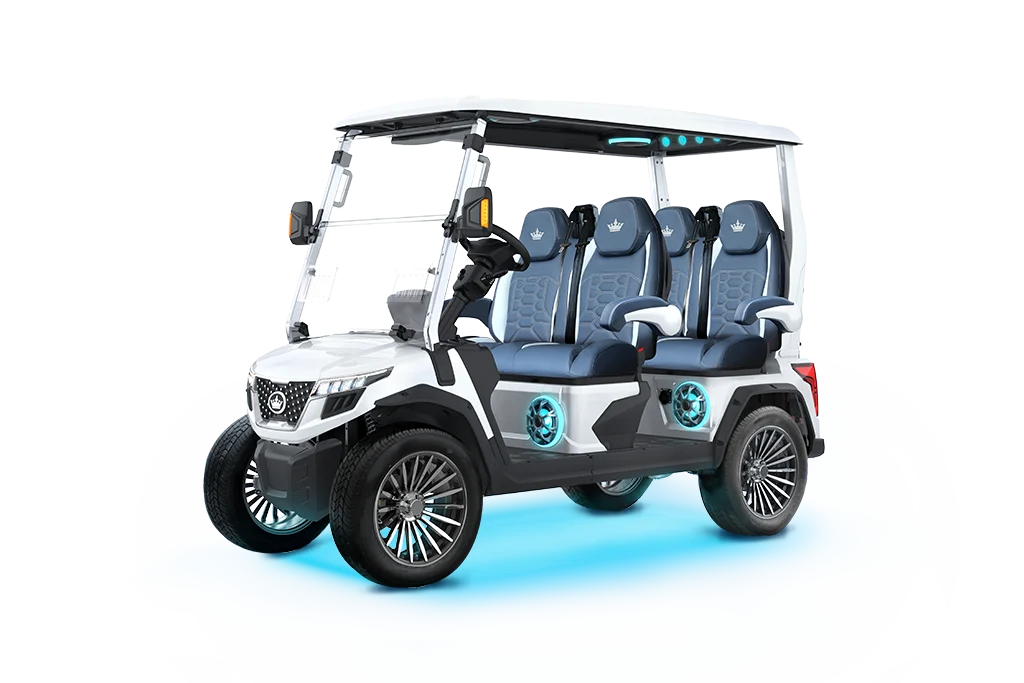
Images and descriptions are valuable discovery tools when they are read with the right expectations. A category image can orient a shopper to a product family, while a representative product photo can show a particular vehicle, finish or layout. Images may be updated as listings change. Compare the image with the title and product description, and ask the team when two details appear inconsistent. Do not assume that every accessory visible in a photograph is included in the displayed price.

A category description explains the collection at a broad level. Some descriptions are provided in the store catalog and are displayed directly. Where no description has been entered, this page identifies the category and points to its live products, rather than presenting invented technical information. When listings are assigned or categories are renamed, the category tile, count and archive link update from WooCommerce. This keeps the page connected to the store's current structure.

Product descriptions and specifications apply to a specific listing. Use them to check configuration, equipment, dimensions, pricing and other stated details. If a detail is absent, ask for confirmation before relying on it. Availability and price can change over time, so the product page is the correct place to review them immediately before a purchase decision. For technical, legal or site-specific questions, confirm with the manufacturer, seller or relevant authority.

A useful browsing habit is to save the product link and record the unanswered questions beside it. That makes follow-up more precise and helps distinguish between what the image suggests, what the listing states and what still needs to be verified. The category archive is an index, not a replacement for the full product page. Moving from a category tile to its live product listing keeps each decision tied to the current catalog record.

09Charging and ownership planning

Charging arrangements should be considered before a vehicle is selected, especially when it will be used by several people or for a repeated work route. Identify a suitable parking location and understand what the product's instructions require for charging. The battery type, approved charger, storage conditions and charging procedure can differ by model. Ask for the manual and follow it rather than applying generic advice from another vehicle or battery system.

Plan how the vehicle will be parked and connected without obstructing a doorway, walkway or working area. If a charging cable crosses a route, change the arrangement so it does not create a trip hazard. Electrical installation questions should be checked by a qualified professional familiar with the site's supply and applicable requirements. Do not infer electrical suitability from the fact that a standard socket is nearby. Confirm the requirements for the exact product and have the location assessed where necessary.

A straightforward shared-use routine can improve predictability. Assign responsibility for returning the vehicle, connecting the approved charger and reporting any concern. Keep model information and service contacts where operators can find them. If several vehicles are involved, maintain a simple record of model, identifier, location and service history. The aim is to make it clear who should do what, not to add unnecessary administration.

Storage is part of the same plan. Measure the vehicle, the entrance to its parking area and the space needed to turn it. Consider any roof, enclosure or other equipment that may increase height or length. Confirm official dimensions from the listing and ask whether an accessory changes them. These practical steps let a shopper compare products against a real location and help reveal constraints before an order is made.

10Preparing an informed enquiry

A clear enquiry begins with a use case. Describe the vehicle's intended route, the people or materials it will carry, how often it will be used and where it will be stored. If your interest began with a category tile, include the category name; if a particular product caught your attention, include its link and exact model title. That information gives the team a specific starting point and reduces the chance of discussing the wrong configuration.

Separate your questions into confirmed needs and open details. Confirmed needs might include the number of regular passengers, cargo type, route surface and parking dimensions. Open details may include charging requirements, accessory compatibility, current availability, pricing or support. Ask about the exact model rather than a broad family whenever a specification matters. For legal status or a site-specific assessment, identify the location and check with the appropriate authority or qualified professional.

For a business, venue or fleet, add context about daily operation. Explain whether the vehicle is for staff, visitors, guests or shared use, and describe busy periods, route access and charging arrangements. If you are considering rentals, include the date, venue, expected passenger flow and approximate schedule. If your question is about parts or service, provide the model and any identifier requested by the service team before ordering or arranging work.

Before submitting a message, check that your contact details are correct and that you have included the information needed for a useful response. Avoid sending sensitive details that are not necessary to the enquiry. The Shop, Service, Rentals and Parts pages provide additional paths through the site, and the contact form on the homepage provides a direct way to ask the team. A thoughtful question makes it easier to receive a relevant answer and compare the available options with confidence.

KEEP EXPLORING

The right next step is yours.

Move from categories to the pages that can answer your next question.